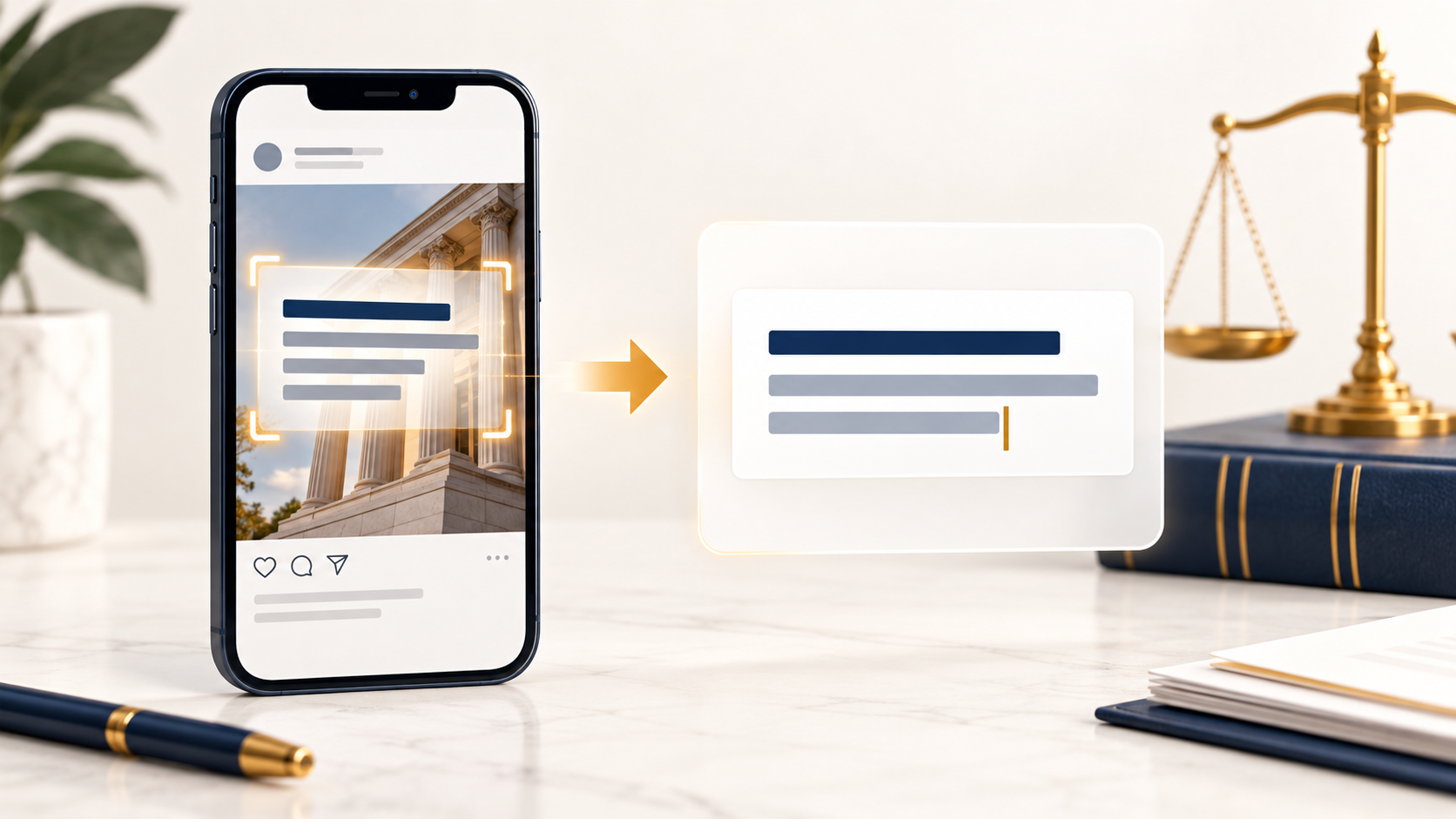
A social media graphic can make a legal topic easy to notice. It can also make the information harder to use if every important word appears only inside the image.
Optical character recognition, or OCR, is technology that identifies text in an image and converts it into machine-readable text. Someone might use it to copy an office address from a graphic, search words in a screenshot, or extract text from a photographed document. Adobe’s explanation of OCR describes how the technology converts image-based text into searchable, editable text.
For a law firm’s marketing team, OCR is a useful reminder: people may interact with a social media image in ways beyond simply looking at it. But OCR should be a convenience, not the only way to get the message.
Put the main point in the caption, too
Consider a graphic that says, “Five Questions to Ask During an Initial Consultation.” If those words appear only in the image, a reader may have to rely on OCR or another tool to extract them. Put the subject in the caption as well, then use the caption to explain what the post offers and where readers can learn more.
The same applies to practical details. If a graphic announces a new office, include the address and contact information in the post text or linked page. People can then copy the information directly without transcribing it from an image.
The W3C’s guidance on images of text explains that regular digital text is more flexible than text embedded in an image: readers can resize it and adjust how it appears. The guidance also recommends providing a text alternative when an image of text is necessary.
Design graphics that work at phone size
OCR works best when words are clear, but clarity matters first for the person scrolling past the post. A legal marketing graphic does not need to hold an entire article.
Use the image for one strong idea: a question, a short statement, or the title of a longer resource. Put the explanation in the caption or on the linked page. Before publishing, view the graphic at the size it will appear on a phone. If an office address, date, or key phrase is difficult to read, make it larger or move it into the caption.
This approach also makes the content easier to reuse. The same clear graphic can introduce a website article, an email, or a short video without trying to carry every detail on its own.
Add a useful image description
Alternative text serves a different purpose from OCR. It gives people using assistive technology a description of the image’s meaningful content. When a graphic contains words that are needed to understand the post, make sure those words are available through the caption or an appropriate text alternative.
The W3C’s image accessibility tutorial offers guidance on choosing text alternatives based on what an image is doing in context.
Use OCR during review
OCR can also help behind the scenes. Before scheduling a batch of social posts, a marketing team can extract text from finished graphics and compare it with the approved copy. That may help catch a misspelled attorney name, an outdated phone number, or a date that changed after design began. Because text recognition can make errors, a person should still check the graphic itself before publication.
A strong social media graphic catches attention. The caption, accessible text, and linked page make its message usable. OCR can help people interact with image text, but the best legal marketing gives them a clear way to read and act on the information without depending on it.